Know the moment anything changes.
Tickets going on sale, a price finally dropping, a backup that quietly stopped running. Notify! watches a website or an RSS feed and tells you, usually within minutes. Same for scripts, servers, or cron jobs.
100% Free Private No account Any platform
Everything runs and stays on your device.
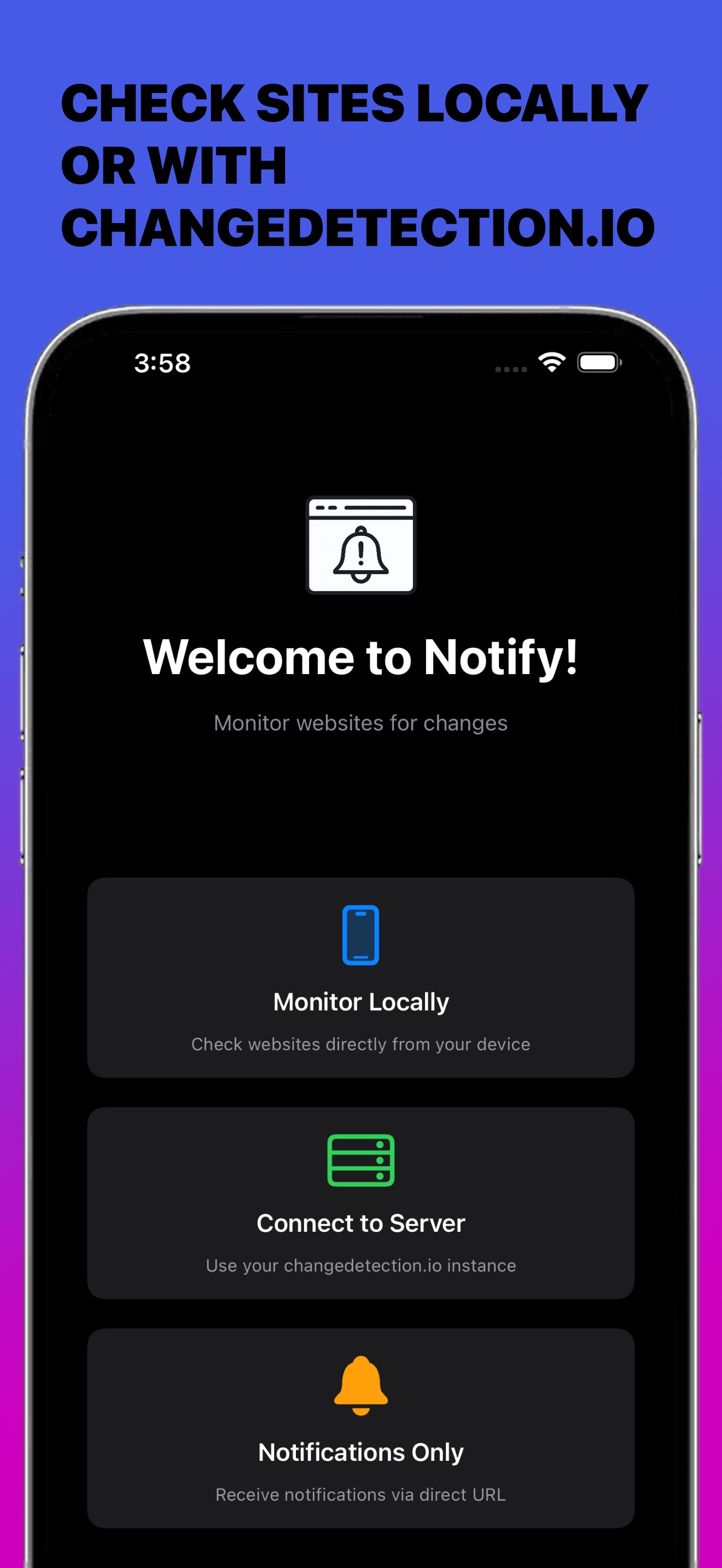
Four ways to watch the web, from a one-tap local watch to a developer-grade push API. Pick what fits, mix as you like.
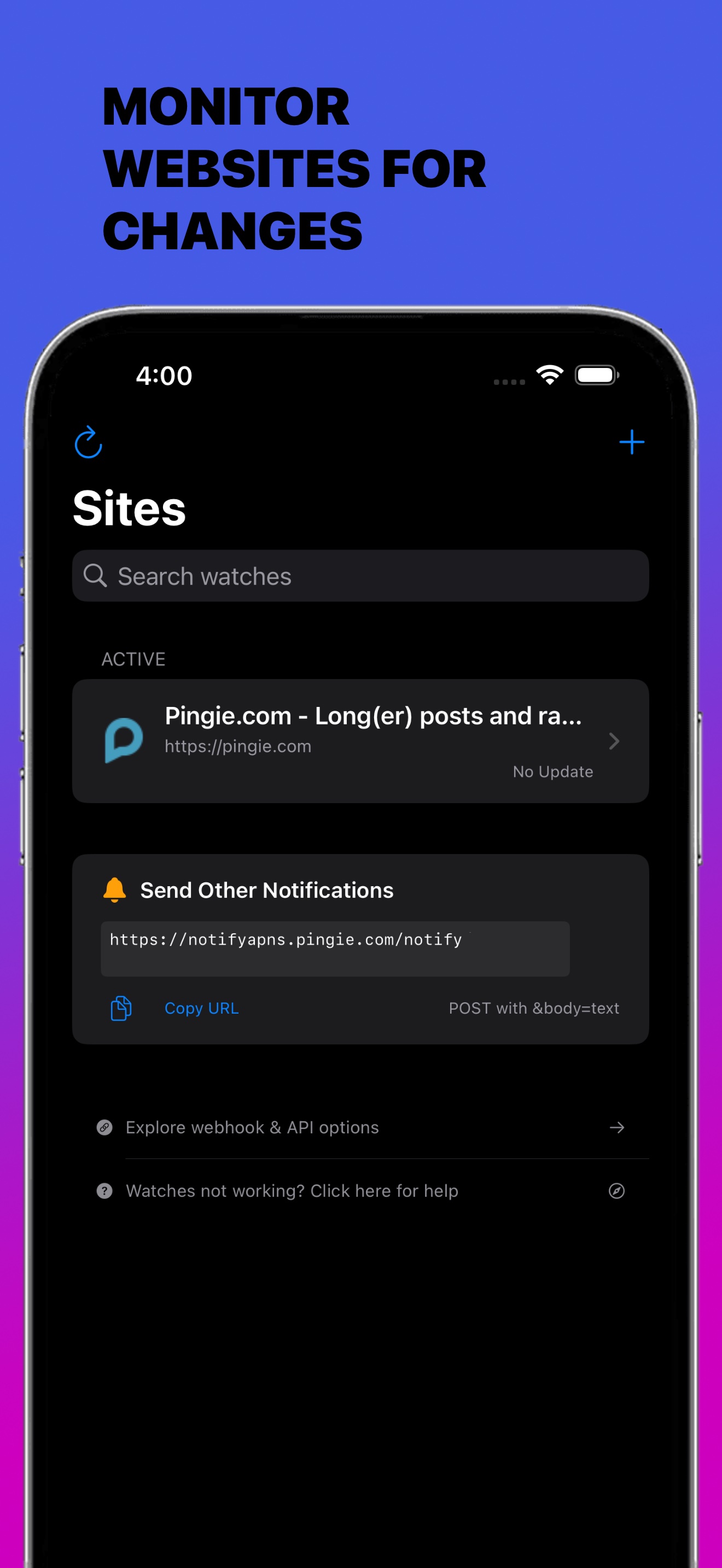
Watch Websites
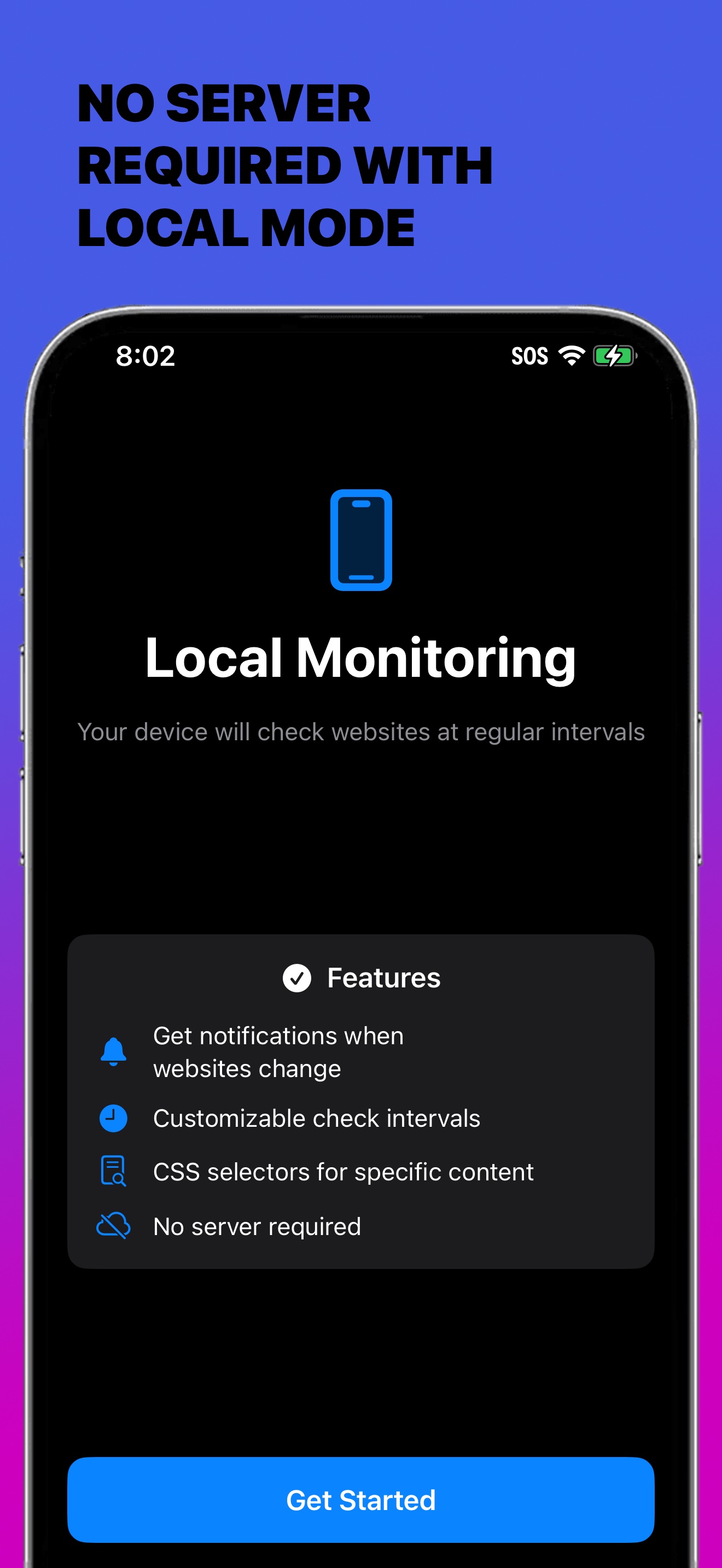
No infrastructure required. Watch any website right on your iOS or macOS device.
- Monitor any website directly from your iPhone, iPad, or Mac
- No accounts, no cloud sync, no backend. Your data never leaves your device
- Notifications are generated entirely on-device for complete privacy
Follow Any Feed
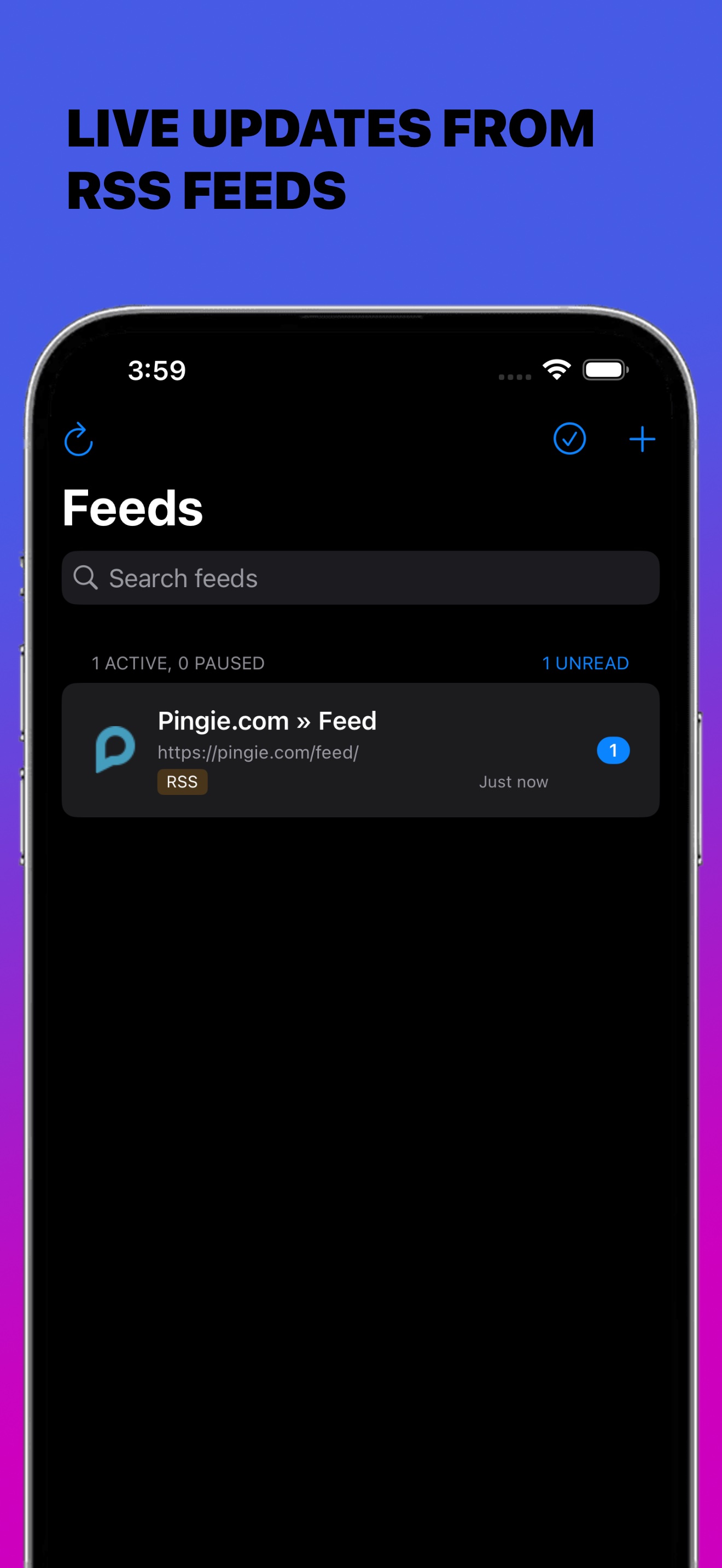
Paste a site address and Notify! finds the feed it links to. Every new post becomes a notification.
- RSS, Atom and JSON Feed, found from a plain site address when the site links to it
- Only genuinely new items notify you, so a republished post stays quiet
- Checked on device alongside your other watches, with the same privacy
Connect to a Server
Power users can pair Notify! with ChangeDetection.io for advanced monitoring:
- Flexible scheduling and scanning
- Long-term change history
- Live updates with push notifications via Notify!
- Works with both remote and self-hosted instances
Notifications Only
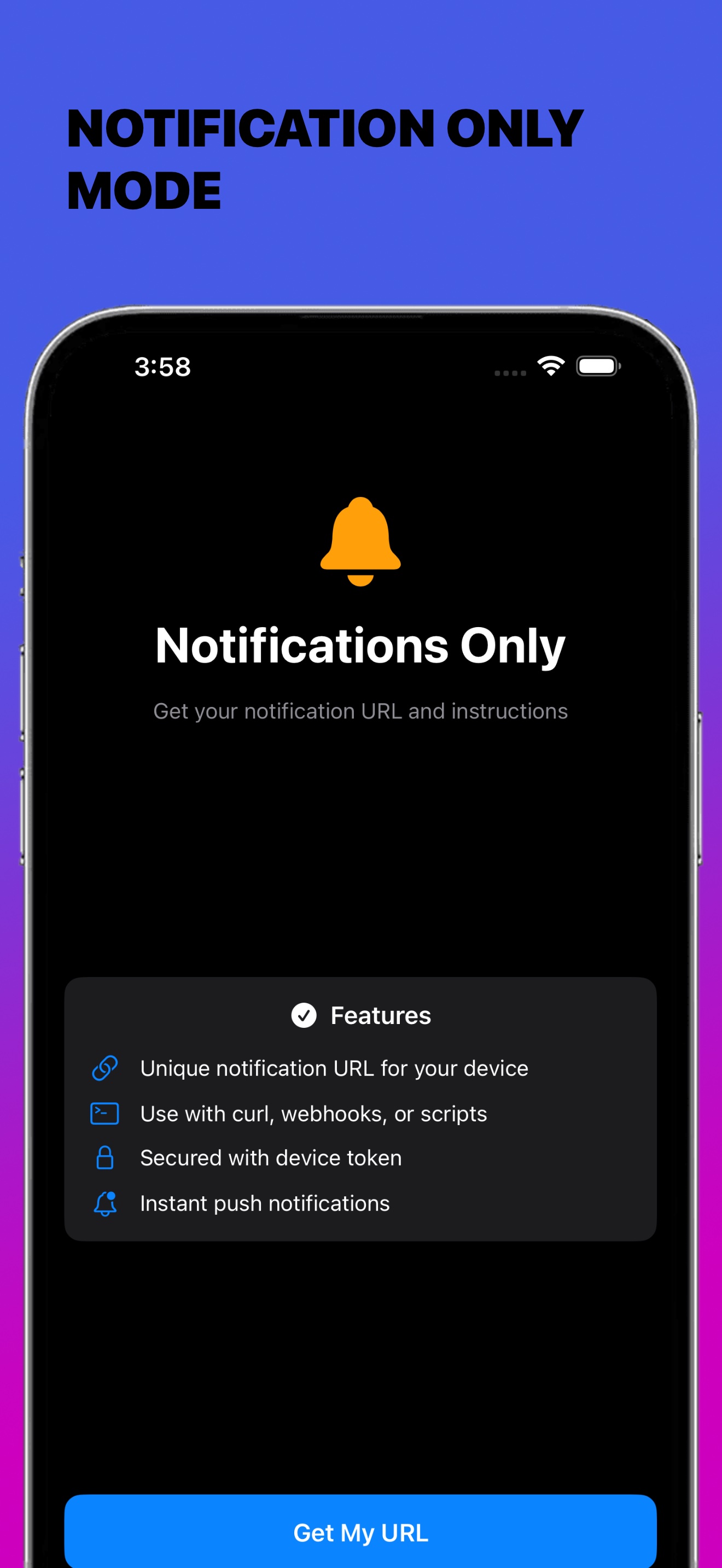
Skip the watches and just receive pushes. Notify! accepts alerts triggered by your own scripts or applications: backend tasks, cron jobs, or internal workflows, delivered instantly to your iPhone, iPad, and Mac via a simple API.
View API documentation arrow_forwardBackground Refresh
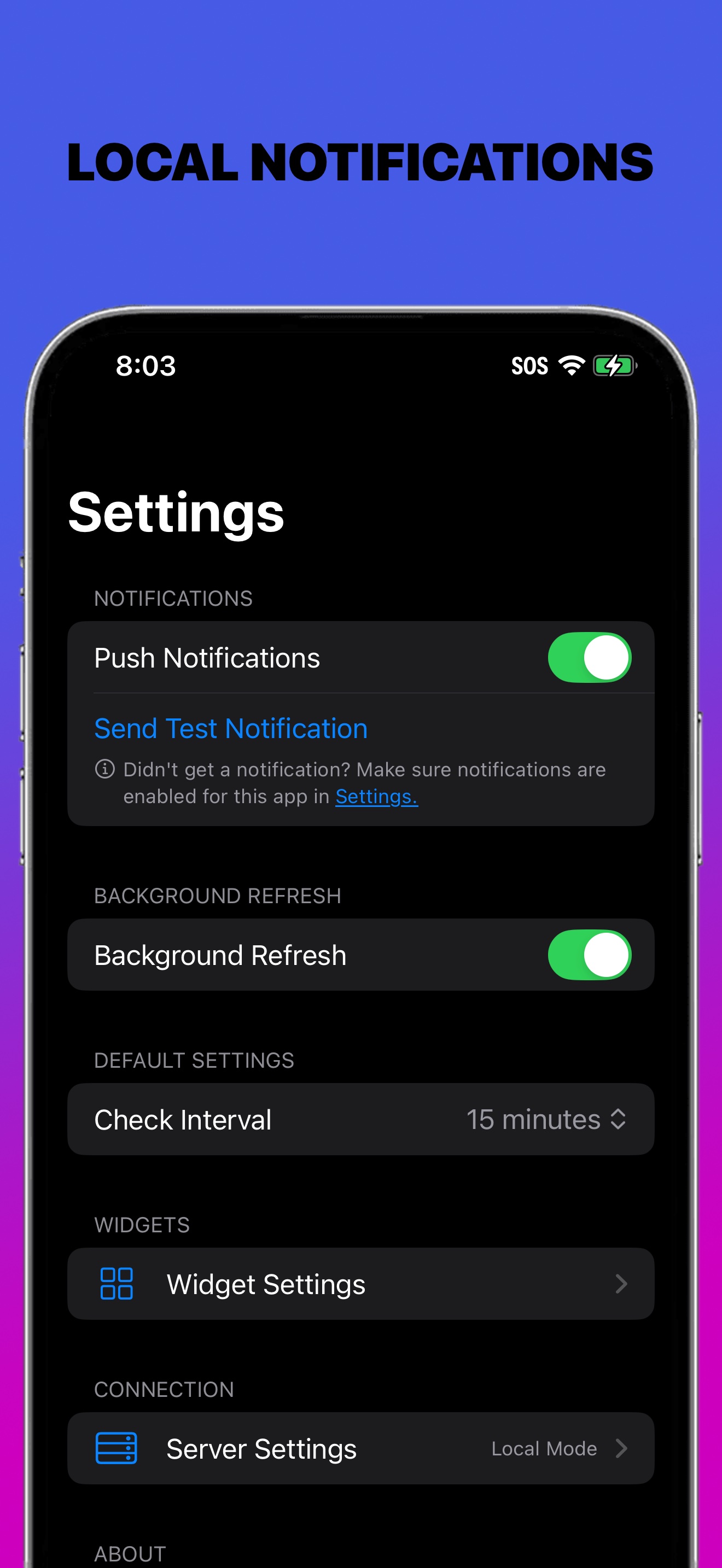
Built by developers, for developers. Notify! quietly re-checks your watches in the background and pushes alerts the moment something changes, so you stay current without lifting a finger.
- Local notifications with zero delay
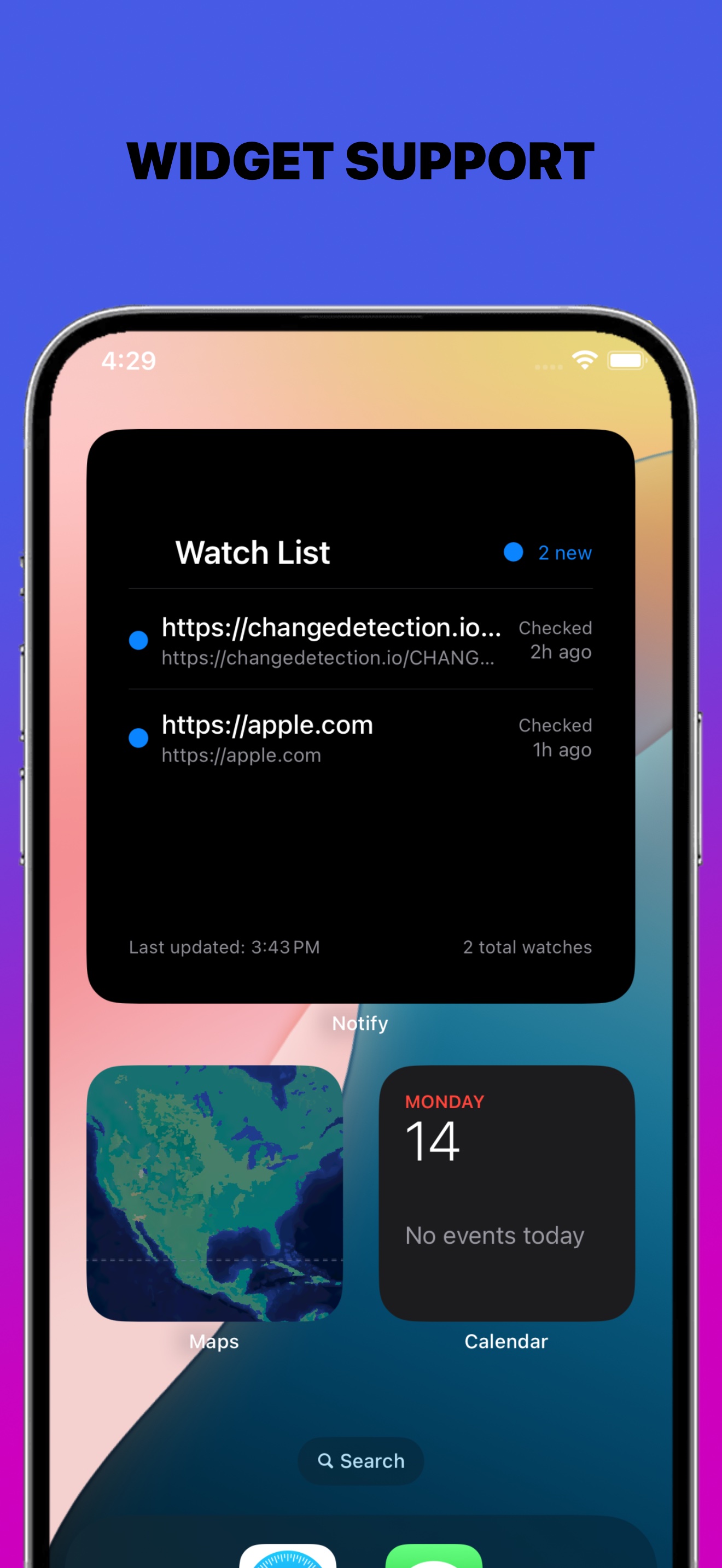
- Home screen widgets for quick visibility
- Group notifications to all your devices at once
The advanced parts, without hosting anything.
Watching a page happens on your device and never leaves it. A few things cannot work that way, because something has to be listening while your phone is asleep. Those run on Notify!'s servers, free, with nothing to host and nothing to sign up for.
Group Notifications
Send notifications to all your Apple devices at once. Perfect for teams, families, or anyone with multiple Apple devices. One API call can alert your iPhone, iPad, Mac, and every connected device at the same time.
Optional Notification History
Track server-delivered alerts and device group notifications from our API. Search, filter, and analyze your history to spot patterns and never lose an important alert. Privacy first: no private data is ever uploaded to our servers.
Live Activities
Watch a job finish without opening anything. A Live Activity on your Lock Screen and Dynamic Island updates itself in place, with a status, a progress bar, and a countdown. Ideal for anything with a duration: a build, a backup, a delivery, a wash cycle. Drive it from a script or from Zapier and Make.
Beacons
Monitoring in reverse: hear about it when something stops. Point a cron job, backup script, or automation at a beacon's ping URL. If the pings stop arriving, Notify! tells you, which is the one failure a normal alert can never report, because nothing is left running to send it.
Built to be believed, not just believed in.
Alerts are only worth anything if they actually arrive, and if you know what happened to them. Here is what that looks like, and who has been doing it since 2008.
notifications_active Never Miss a Change
- Local notifications with zero delay
- Home screen widgets for quick visibility
- Detailed change history with side-by-side comparisons
- Real-time alerts when paired with ChangeDetection.io or your own scripts
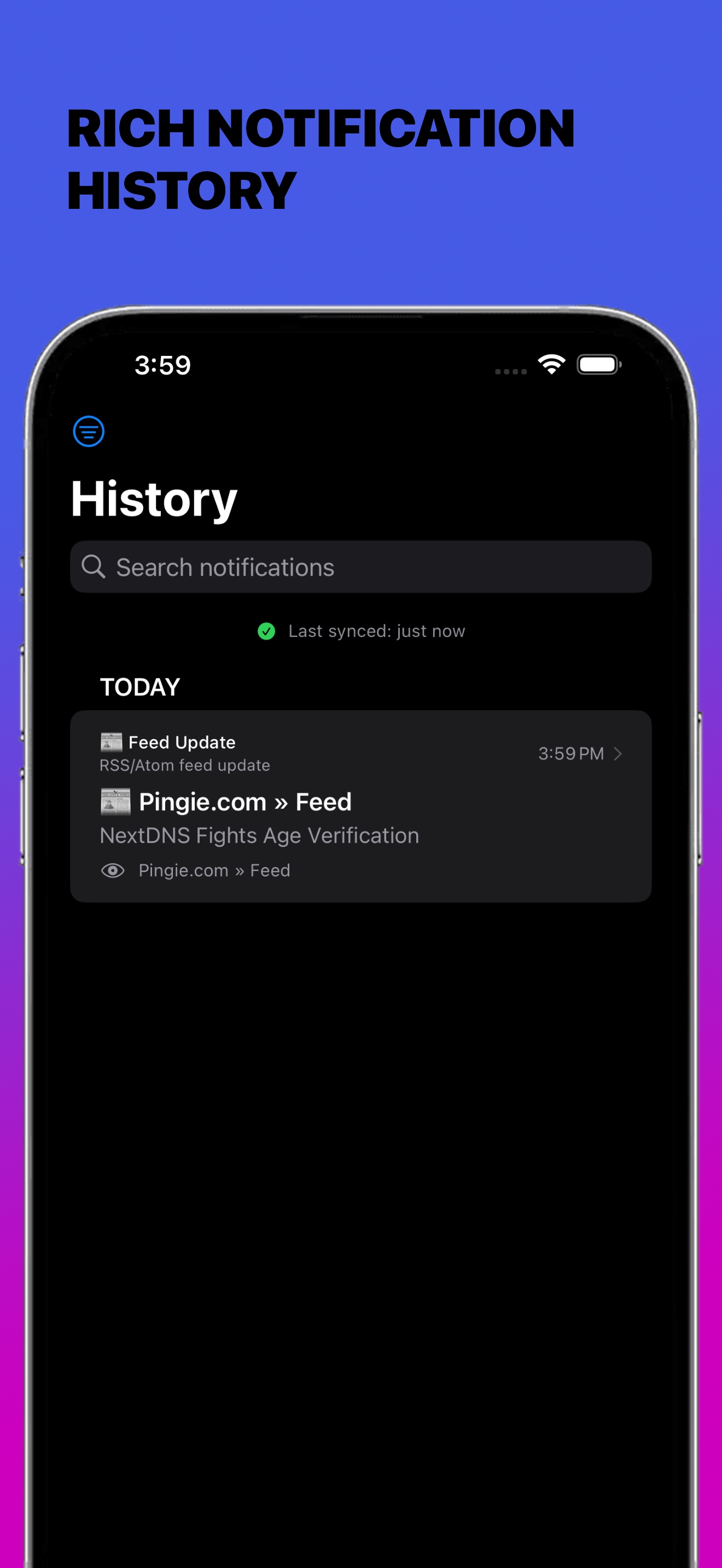
- Full notification history: review and search every past alert
- Group notifications to multiple devices simultaneously
A Trusted Name Since 2008
Pingie has a long pedigree as a notification app, dating all the way back to 2008. For over 15 years we have helped people stay informed with timely alerts, from the early days of SMS notifications to today's modern push system.
Customize Everything
- Easily add or remove watches, no technical skill required
- Dark and light mode for comfort and battery life
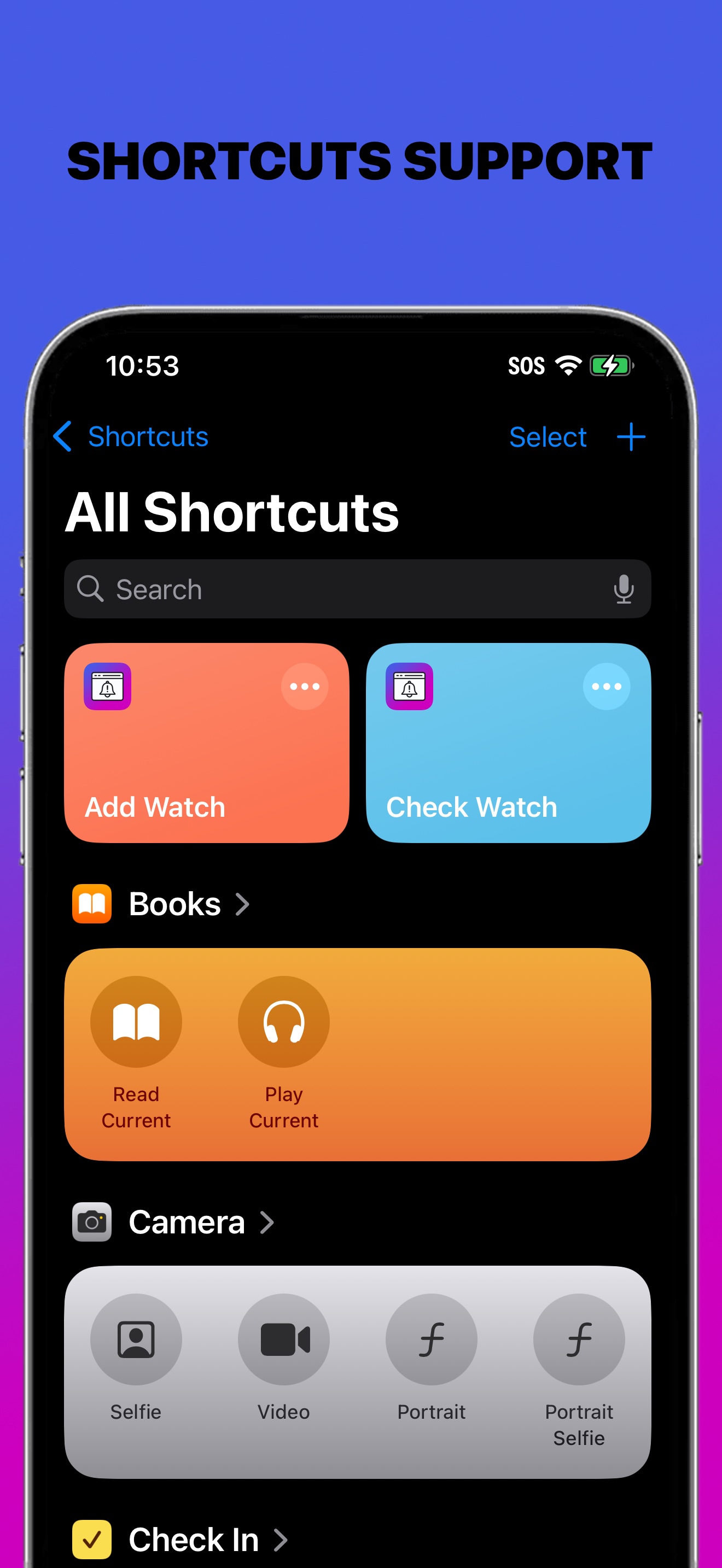
- Integrates with Apple Shortcuts for advanced automation
- Accepts push alerts from any external script or service via API
100% Private, Secure, and Local
- No cloud, no tracking, no external servers in local mode
- Everything runs and stays on your device
- Built with privacy in mind: you control your data
- iCloud Keychain sync uses Apple's encrypted infrastructure
No iPhone? No problem.
The Notify! web app turns a browser into a device. Open it once, click allow, and that browser gets its own webhook URL, the same URL contract every iPhone gets.
- androidAndroid
- desktop_windowsWindows
- computerLinux
- laptop_chromebookChromeOS
- laptop_macmacOS
Anywhere Chrome or Edge runs. Firefox and Safari 16+ work too. On iPhone and iPad, the app is the better answer.
Real pushes, browser closed
Delivery rides the same push service your browser already uses, so notifications arrive even with the tab closed. Nothing to install on desktop; on Android it adds to your home screen like an app.
Same webhook, new screen
Everything that already talks to Notify! just works: Zapier, Make, Homebridge, beacons, plain curl. Senders cannot even tell it is a browser on the other end, with one honest exception: Live Activities stay an iPhone and iPad feature, and starting one on a browser says so.
History, right there
The web app shows the notifications this browser has received, with sender icons and failure marks, and fetches fresh entries every time you open it.
Joins your Device Groups
Paste a group token and the browser receives everything the group receives, right beside the iPhones and Macs already in it. One alert, every screen you own.
Open the web app.
One click to allow notifications, and the browser is a device with its own webhook URL. No account, no app store, nothing to configure.
Chrome on Android, Windows, Linux, ChromeOS, macOS · free · on iPhone, use the Notify! app instead.
See Notify! in Action
Swipe through to explore monitoring, history, feeds, and more.
Questions? Talk to a human.
Our support team helps you get the most out of Notify! Send a note and we will get back to you.